Free Online M3U & Xtream Codes Player
Paste your playlist or log in with your Xtream details and start watching in seconds — on PC, Mac, phone, tablet or Smart TV. No app. No signup. No cost.
- 100% free
- No install
- Live TV, Movies & Series
- TV guide (EPG)
What web4player can do
Everything in one player, on every screen you own.
Works on every screen
Browser, Android phone and Android TV, with the same favourites and progress.
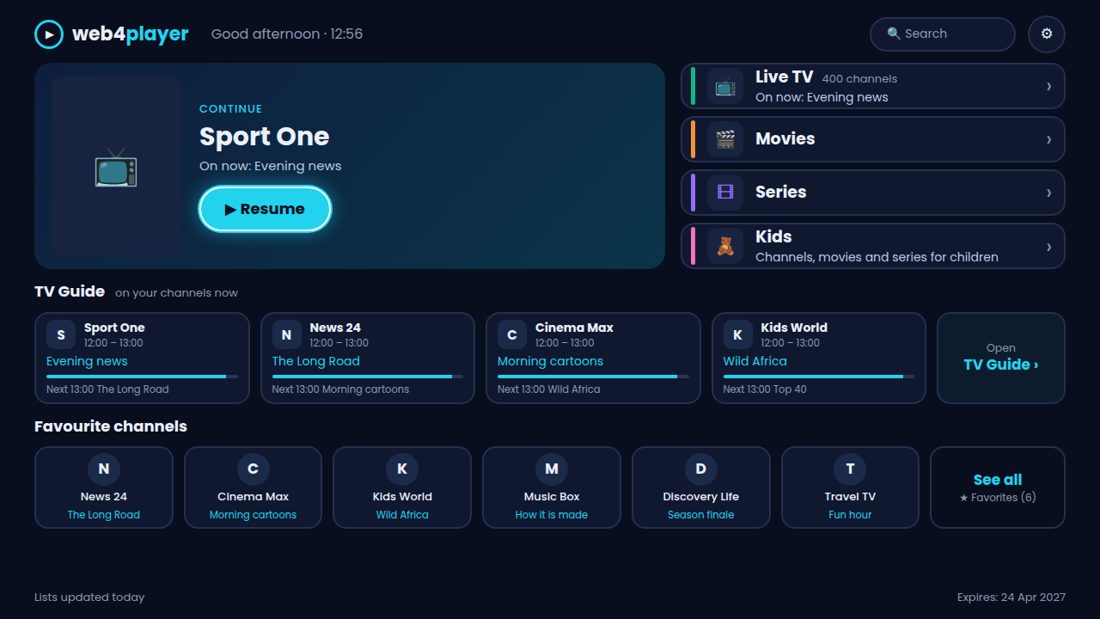
A home page made for you
Continue watching, your favourite channels and what is on now, on one screen.
TV Guide
See what is on now and next, and replay past programmes when your provider allows it.
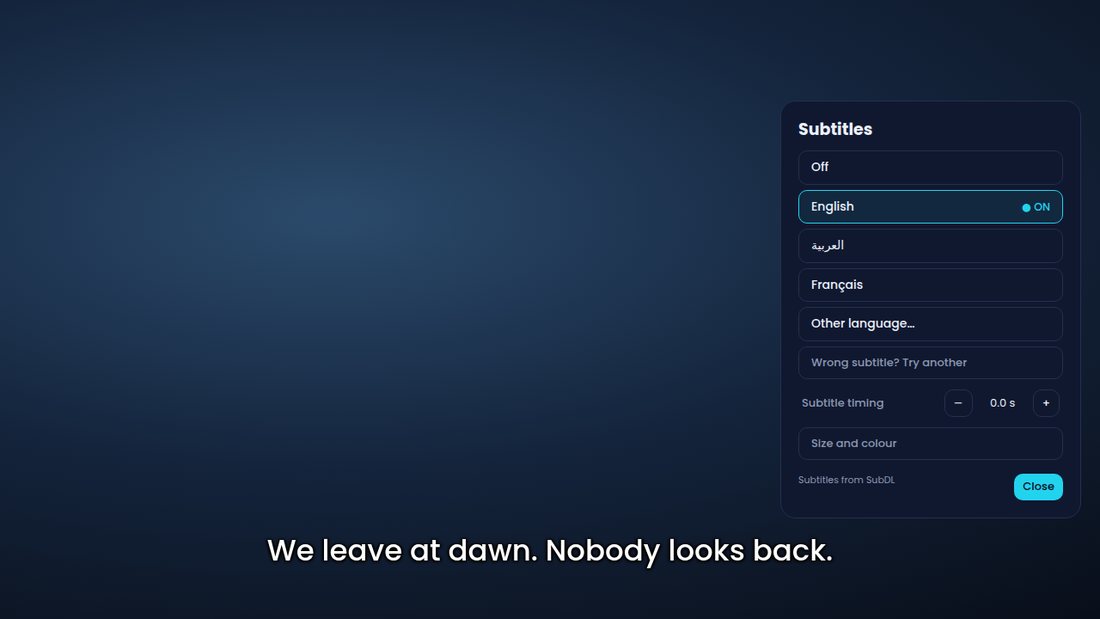
Subtitles in your language
Choose your language and the subtitle starts by itself. Change size, colour and timing.
Kids profile
A safe section with only the categories you choose, protected by a PIN.
Send to TV
Type a short code from your phone and your list appears on the TV. No typing with the remote.
And also
- Continue where you stopped, with the next episode offered
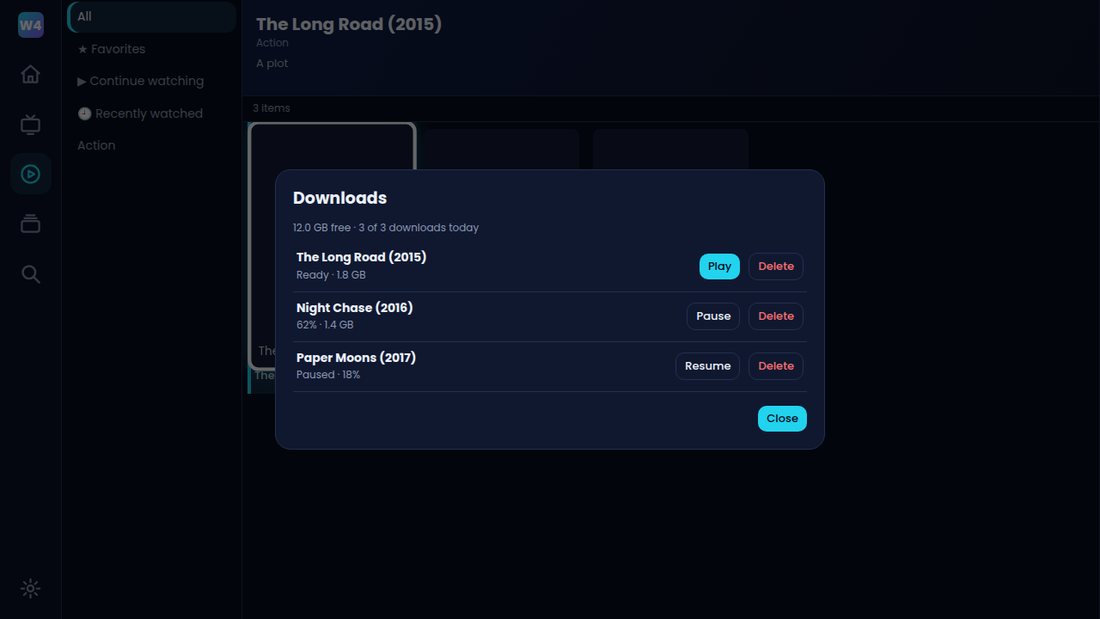
- Download movies in the app and watch them without internet
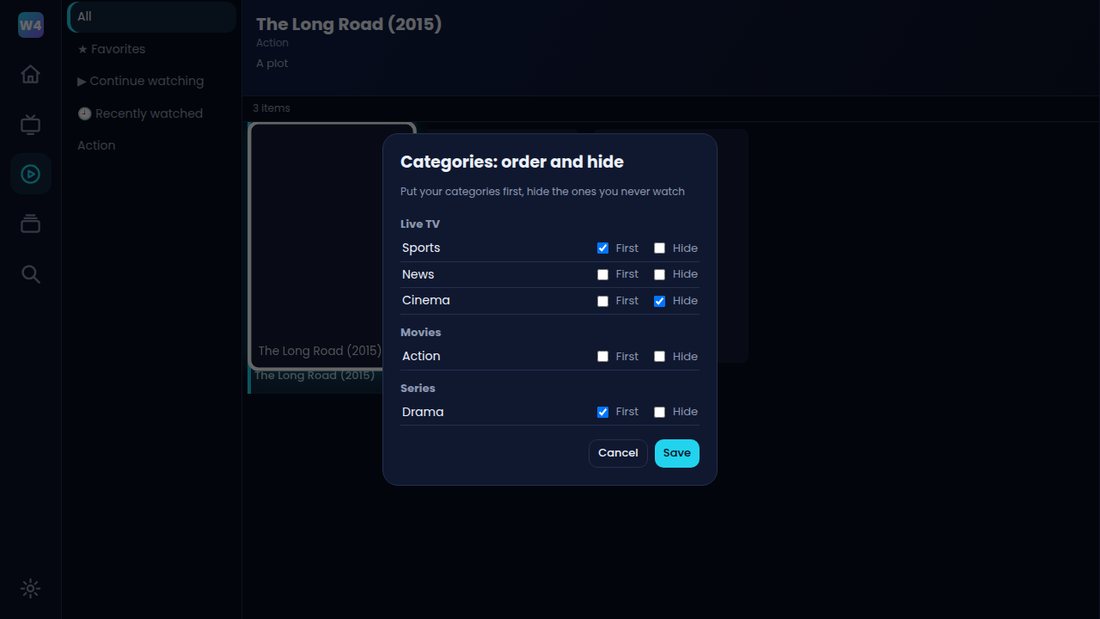
- Your own order: put channels and categories first, hide the rest
- Smart mode that learns what you watch and shows it first
- Three video players in the app for channels that will not play
- Light mode for older TV boxes
- Several lists on one device
- Connection test and “Report a problem” from the TV
- 9 languages, including Arabic and Turkish
- Your password stays on your device and is never stored on our servers
Works on every device
If it has a modern browser, it plays.
- 💻 Windows PC
- 🍎 Mac
- 🤖 Android
- 📱 iPhone & iPad
- 📺 Smart TV browser
- 🌐 Chromebook
How it works
Three steps to start watching.
Choose how to connect
Xtream Codes login, M3U URL, or upload an .m3u / .m3u8 file.
Press “Start watching”
Your channels, movies and series load in seconds — no signup.
Enjoy
Browse, search, save favorites and switch channels instantly. Install it as an app if you like.
Frequently asked questions
Quick answers to common questions.
What is web4player?
web4player is a free online M3U and Xtream Codes player that runs in your web browser. You add your own playlist and watch it on any device without installing an app.
How do I play an M3U playlist online?
Open the “M3U URL” tab, paste your playlist link and press “Start watching”. You can also upload an .m3u or .m3u8 file.
How do I use my Xtream Codes login?
Choose “Xtream Login” and enter the server URL, username and password from your provider. You get Live TV, Movies, Series and the TV guide.
Do you provide channels or content?
No. web4player is only a player. It does not include any channels or content — you bring your own playlist from your own provider.
Is my login stored?
No. Your details are used once to open the player and are then deleted from our server. Remembering your line happens only in your own browser.
Why won’t a stream play?
Most streaming servers use http://. If a channel doesn’t load, your provider’s server may be offline or your line may have reached its connection limit. Try switching the format (HLS / TS) in the player.
Is web4player free?
Yes, the player is completely free — no account, no hidden costs.